Now Reading: Claude AI: A Deep Dive Into Anthropic’s Powerful Assistant
-
01
Claude AI: A Deep Dive Into Anthropic’s Powerful Assistant
Claude AI: A Deep Dive Into Anthropic’s Powerful Assistant
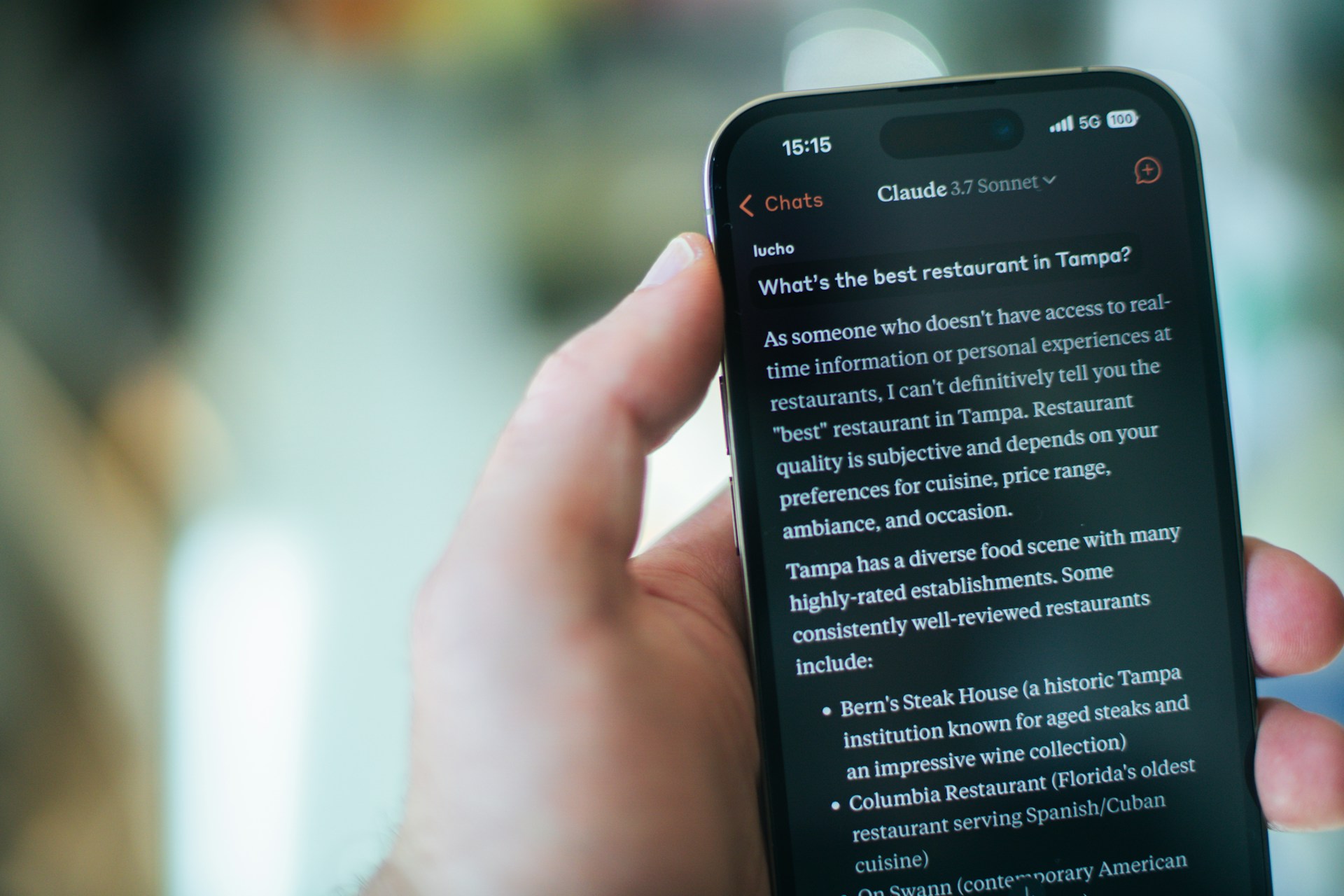
What if the most capable AI assistant on the market right now isn’t the one making the most headlines? While much of the tech world fixates on a handful of household names, a quieter contender has been steadily earning the loyalty of developers, writers, researchers, and business professionals alike. That contender is Claude, built by the San Francisco-based AI safety company Anthropic.
In this post, I’ll break down what makes Claude genuinely different, where it excels, where it still has room to grow, and why it deserves a serious spot in your AI toolkit — whether you’re a solo creator or leading an enterprise team.
The Origin Story: Why Anthropic Built Claude Differently
Anthropic wasn’t born in a vacuum. Its founders — including Dario and Daniela Amodei — came directly from OpenAI. They left with a specific thesis: AI systems needed to be developed with safety and alignment at the core, not as an afterthought bolted on after launch.
That philosophical DNA runs through every version of Claude. The model was trained using a technique called Constitutional AI (CAI), which essentially gives the system a set of guiding principles it references when generating responses. Think of it like raising a child with a clear moral framework rather than just correcting bad behavior after the fact.
This approach yields a noticeable difference in practice. Claude tends to be more measured, less likely to hallucinate confidently, and more willing to say “I’m not sure” — a trait that, paradoxically, makes it more trustworthy.
What Claude Actually Does Well
Let’s get specific. After months of daily use across professional and personal projects, here are the areas where Claude genuinely stands out:
- Long-form writing and editing: Claude handles nuance exceptionally well. Ask it to write a 2,000-word analysis piece, and the output reads like a thoughtful first draft from a skilled human — not a patchwork of generic paragraphs.
- Document analysis: With a context window that reaches up to 200,000 tokens in the latest Claude 3.5 Sonnet model, you can feed it entire research papers, legal contracts, or financial reports and get coherent summaries and insights back.
- Code generation and debugging: Developers have been quietly migrating complex coding tasks to Claude. Its ability to reason through multi-step logic problems is remarkably strong, especially with Python, JavaScript, and SQL.
- Conversational depth: Unlike many AI tools that lose the thread after a few exchanges, Claude maintains context over extended conversations. It remembers what you discussed three paragraphs ago and weaves it in naturally.
Claude 3.5 Sonnet: The Model That Changed the Conversation
When Anthropic released Claude 3.5 Sonnet in mid-2024, it didn’t just iterate — it leapfrogged. Independent benchmarks showed it outperforming GPT-4o on several key metrics, including graduate-level reasoning, coding proficiency, and multilingual understanding.
But benchmarks only tell part of the story. In real-world testing, the model feels faster and more precise. It parses ambiguous prompts with surprising accuracy, often inferring what you actually meant rather than what you literally typed. That’s a subtle but game-changing quality when you’re working under time pressure.
Anthropic also introduced the Artifacts feature in its web interface, which lets Claude generate interactive code previews, documents, and visual components directly within the chat window. For anyone prototyping ideas quickly, this is a massive workflow accelerator.
How Claude Compares to the Competition
Claude vs. ChatGPT
This is the comparison everyone wants. In my experience, ChatGPT (especially GPT-4o) remains stronger for creative brainstorming and casual conversation. However, Claude consistently outperforms it for structured analytical tasks, long-document processing, and producing prose that doesn’t sound like it was written by a machine.
Claude vs. Gemini
Google’s Gemini has deep integration advantages across the Google ecosystem. But when it comes to raw reasoning quality and the ability to follow complex multi-part instructions, Claude holds a clear edge. Gemini sometimes struggles with nuance in ways that Claude handles gracefully.
The Honest Takeaway
No single AI tool wins every category. The smartest approach is using Claude where it shines — analytical writing, code review, research synthesis — and complementing it with other tools where they have strengths. Think of it as building a bench of specialists rather than relying on one generalist.
Real-World Use Cases Worth Exploring
Here’s how professionals across different fields are putting Claude to work right now:
- Legal teams upload 80-page contracts and ask Claude to flag non-standard clauses, saving hours of junior associate review time.
- Content marketers use it to draft SEO briefs, generate article outlines, and refine tone across brand guidelines — all within a single conversation thread.
- Software engineers paste error logs and legacy code into Claude and receive not just fixes but explanations of why the original code failed.
- Academics feed it dense research papers and ask for plain-language summaries, literature gap analysis, or methodology critiques.
- Startup founders use it as a thinking partner — stress-testing pitch decks, financial models, and go-to-market strategies with a tool that pushes back intelligently.
Tips for Getting the Most Out of Claude
If you’re new to Claude or feel like you’re not unlocking its full potential, these practical tips will help:
- Be specific with your instructions. Instead of “write me an email,” try “write a professional but warm follow-up email to a potential client who attended our webinar last Tuesday.” Claude rewards precision.
- Use system prompts strategically. If you’re accessing Claude through the API, craft detailed system prompts that define the persona, constraints, and output format you expect.
- Leverage the long context window. Don’t summarize documents before pasting them in. Give Claude the raw material and let its context window do the heavy lifting.
- Iterate in conversation. Claude gets better the more context you provide within a single thread. Treat it like a collaborative editing session, not a one-shot query engine.
Where Claude Still Needs Work
No honest review skips the limitations. Claude can still be overly cautious — sometimes refusing requests that are perfectly reasonable because its safety filters are conservative. It also lacks real-time internet access in its default configuration, which means it can’t pull live data or browse websites unless connected through third-party integrations.
Additionally, while its image understanding capabilities have improved significantly, it still lags behind specialized vision models for tasks like detailed chart interpretation or complex visual reasoning.
These are solvable problems, and Anthropic’s rapid release cadence suggests they’re already working on them. But for now, they’re worth knowing about.
Final Thoughts: Why Claude Deserves Your Attention
The AI assistant space is crowded, noisy, and full of overpromises. What I appreciate about Claude is that it tends to under-promise and over-deliver. It doesn’t try to be everything to everyone. Instead, it focuses on being genuinely reliable, thoughtful, and useful for the tasks that matter most to knowledge workers.
If you haven’t given Claude a serious test drive yet — not just a casual “tell me a joke” prompt, but a real, substantive work task — I’d encourage you to do so this week. Sign up at claude.ai, paste in a complex document, ask it a hard question, and see how it handles the challenge.
You might be surprised at what you’ve been missing.
Previous Post
Next Post





Advertisement